ChatGPT can't write this book.
It's 7 years of scars — the projects that went sideways, the client conversations that saved six-figure budgets, the platform quirks that only show up after you've shipped dozens of orgs. Every opinion in here was earned the hard way.
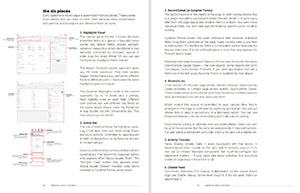
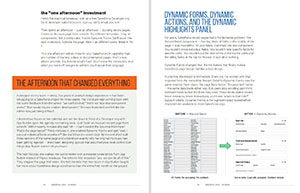
What's Inside
The Platform Mental Model
- The "Alien Cockpit" mental model that makes sense of Lightning Experience in 10 minutes
- The Constraint Spectrum — the most powerful design tool in your arsenal (and it's not Figma)
- Why treating Salesforce like a blank canvas gets designers fired from projects
- What "multi-tenant architecture" actually means for your design decisions
SLDS & Design System Mastery
- SLDS 2.0 and the Cosmos theme: what changed, what broke, and what it means for your org right now
- Styling hooks vs. design tokens — the shift that rewrites how you customize everything
- Dark mode, adaptive density, and AI-ready theming: the new visual vocabulary
- How one team used hard-coded color overrides and lived to regret it
Record Pages & Building Blocks
- Dynamic Forms: the feature that lets you kill the page layout forever
- The Dynamic Highlights Panel — 12 configurable fields your client doesn't know they have
- Visibility rules: show the right field to the right person at the right stage
- Record Types: branching logic that lets one page serve five different users
Flows & Automation-Driven UX
- Screen Flows: when to use them instead of a record page (and when NOT to)
- How to design a multi-step guided workflow without writing a single line of code
- The subflow pattern that turns complex logic into a reusable design component
App Architecture & Navigation
- The App Model: why every user role needs its own app and how to scope them
- Standard vs. Console navigation — the difference that transforms service teams
- The utility bar: the most underleveraged feature in Lightning Experience
- Global Actions: the persistent toolkit that travels with users across every page
The Client Conversation
- "We don't want it to look like Salesforce" — the word-for-word conversation that saves projects
- The Theming Spectrum: a single diagram that moves branding arguments from emotion to economics
- The Custom Component Acknowledgment — the one-page document that changes client behavior instantly
Working with Developers
- Governor limits: what they are and why they make developers nervous about your designs
- The "pushback wins" list: a running tally of every time "can't be done" turned out to be wrong
- The 8-source research toolkit for proving a feature exists before the developer says no
Research, Handoff & Career
- The Day One Protocol: a full day in the org before you design anything
- The current-state audit: how to map an entire org in 4 hours
- Two types of handoff: configuration documents for admins vs. component specs for developers
- The Salesforce UX Designer Certification — and why it's worth 2-3 weeks of your time
Table of Contents
Part I: The Platform
Chapter 1: The Salesforce Design System
- What You're Actually Designing ForThe mental model that turns the "alien cockpit" into a system you can design for. Objects, apps, tabs, record pages, components — and the constraint spectrum that governs every decision.
- SLDS 2.0: What Changed and Why You Should CareThe 2025 overhaul: Cosmos theme, styling hooks vs. design tokens, adaptive density, the Figma library rewrite, and the migration reality.
- Component Architecture: What You Can and Can't TouchThree tiers of components (standard, base, custom LWC), Shadow DOM implications, and the decision framework for when to go custom.
Part II: The Building Blocks
Chapter 2: Record Pages — Where Design Lives or Dies
- Anatomy of a Record PageHeader, highlights panel, tabs, related lists, activity timeline — every zone mapped and explained.
- Lightning App Builder: Your Primary Design ToolForget Figma for a minute. This is the tool that determines what users actually see.
- Dynamic Forms, Dynamic Actions, and the Dynamic Highlights PanelThe feature that finally makes Salesforce page design feel like actual design.
- Flows: The Guided Experience LayerRecord pages show data. Flows guide behavior. Screen flows, triggers, and when to use which.
- List Views and Related ListsThe underrated design surface where users start their day and pick their next task.
Part III: The Experience Layer
Chapter 3: Application Architecture
- Navigation and App StructureStandard vs. Console navigation, role-based apps, and the utility bar.
- Home Pages and DashboardsIf the home page doesn't answer "what should I do right now?" — users will ignore it.
- Utility Bar and Global ActionsThe fixed footer toolbar and persistent action toolkit.
- Designing for MobileCompact layouts, offline-first, the thumb zone, and Mobile Publisher.
Part IV: Beyond the Basics
Chapter 4: Extending the Platform
- Experience Cloud: Designing for External UsersCustomers, partners, vendors — the rules change completely.
- When to Go Custom: Lightning Web ComponentsHow to make the custom component decision wisely and spec them effectively.
- Designing for the Agentic EraAgentforce, Einstein Copilot, AI confidence signals, and human-in-the-loop patterns.
Part V: The Client
Chapter 5: Client Expectations and the Custom App Trap
- "We Don't Want It to Look Like Salesforce"The most expensive sentence in the Salesforce ecosystem — and the conversation framework that defuses it.
- Scoping and Estimating UX WorkT-shirt sizing, story points, and speaking Agile when your PM speaks Jira.
- Managing Stakeholders Who Don't Speak UXAdmin, exec sponsor, solution architect, power user — different agendas, different languages.
Part VI: The Team
Chapter 6: Working with Salesforce Developers
- The Developer RelationshipSalesforce developers are not web developers. They think differently and push back differently.
- Pushing Back: When Developers Say "Can't Be Done"The 8-source research toolkit and evidence-based pushback process.
- Design Handoff for SalesforceNot a Figma file. It's a configuration document. Here's what, to whom, and in what format.
Part VII: The Craft
Chapter 7: Research and Quality
- UX Research in Salesforce ContextThe Day One Protocol, current-state audits, admin interviews, and user shadowing.
- Usability Testing on PlatformTesting Salesforce is different — you can't change half of what you're testing. That's actually an advantage.
- Accessibility in SLDSWhat the design system gives you for free and where you still need to design deliberately.
Chapter 8: Your Workflow and Career
- Figma-to-Salesforce WorkflowBridge the gap without wasting time mocking things that don't need to be mocked.
- Documentation That Outlives YouWhat you document determines whether your work survives the first sprint after you're gone.
- The Salesforce UX Designer CertificationWhat's on it, how to study, and why it's worth your time.
Appendices
- SLDS Component Quick Reference
- Salesforce Release Cycle Cheat Sheet
- Glossary of Key Salesforce Terms
Not sure yet? Read a chapter free.
Get "Home Pages and Dashboards" — the chapter that answers the only question users care about: "what should I do right now?" If the home page doesn't answer that, users will ignore it.
Skip the years of painful lessons.
200+ pages of hard-won insight you won't find in Trailhead, Stack Exchange, or any AI chatbot. The hidden rules of Salesforce design — from someone who learned them the hard way.
All packages are digital downloads (PDF + ZIP). No physical products are shipped.
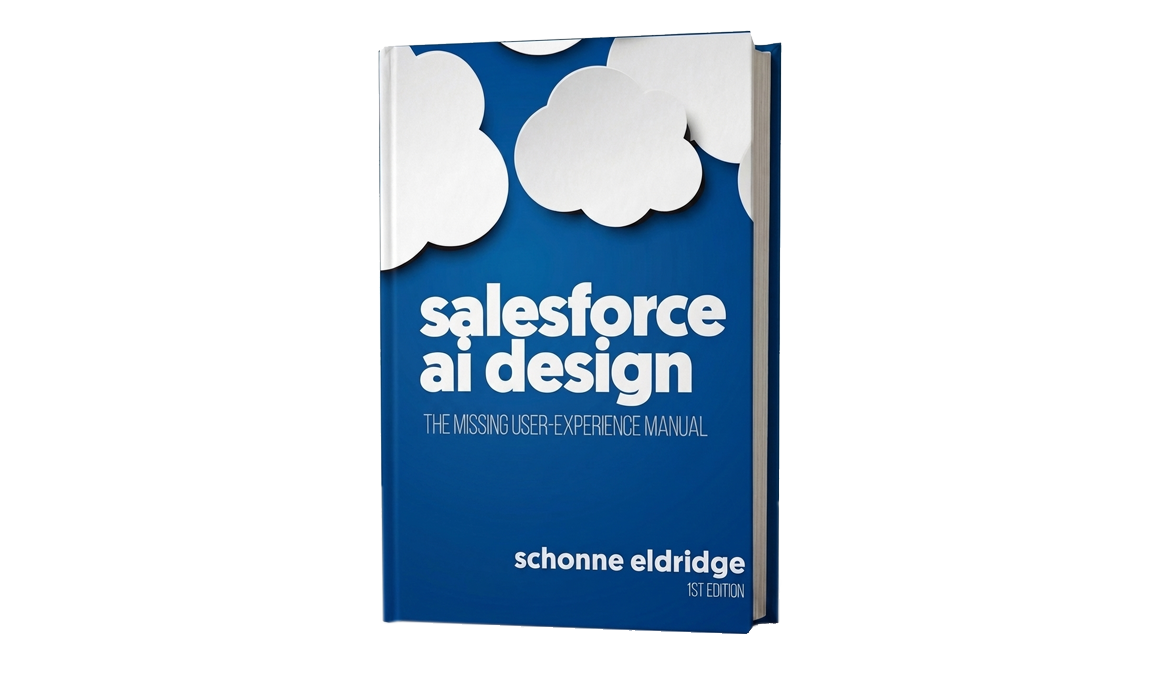
book
$49
- Full PDF book (200+ pages)
- Instant digital download
most popular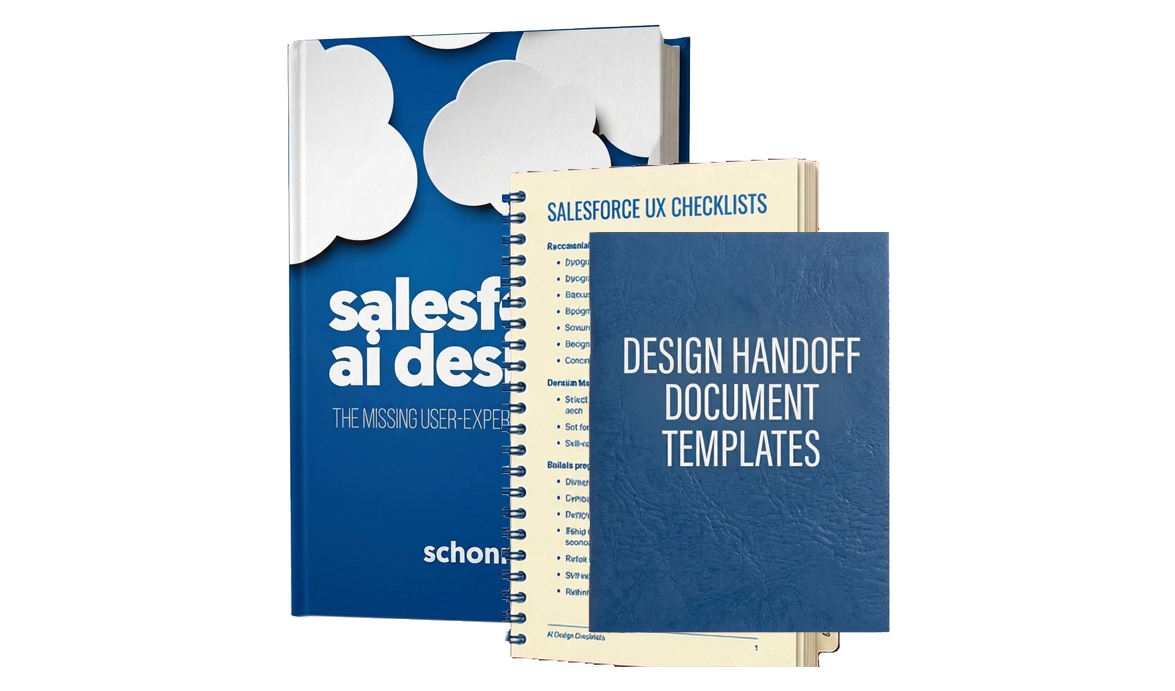
complete
$99
- Full PDF book (200+ pages)
- Lifetime free updates
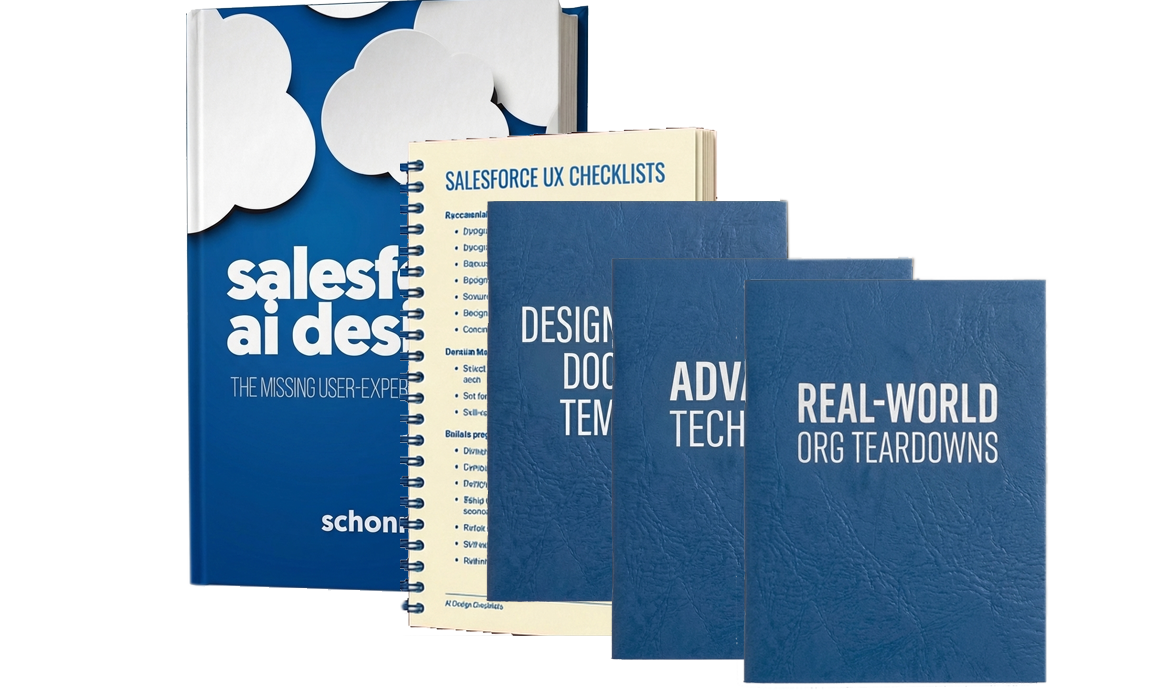
- Salesforce UX templates6
- Mobile Persona Card Template
- LWC Design Spec Template
- User Journey Map Template
- Lightning Page Layout Planning Template
- Stakeholder Interview Guide
- Design Decision Log Template
- Salesforce UX checklists6
- Day One Org Audit Checklist
- Lightning Page Design Checklist
- List View Design Checklist
- Experience Cloud Site QA Checklist
- Design Handoff Readiness Checklist
- Accessibility Compliance Checklist
- Design handoff document templates6
- Component Specification Document
- Page Layout Specification Document
- Flow/Process Specification Document
- Design System Component Entry
- Developer Acceptance Criteria Template
- Stakeholder Design Review Presentation Template
masterclass
$149
- Full PDF book (200+ pages)
- Lifetime free updates
- Salesforce UX templates6
- Mobile Persona Card Template
- LWC Design Spec Template
- User Journey Map Template
- Lightning Page Layout Planning Template
- Stakeholder Interview Guide
- Design Decision Log Template
- Salesforce UX checklists6
- Day One Org Audit Checklist
- Lightning Page Design Checklist
- List View Design Checklist
- Experience Cloud Site QA Checklist
- Design Handoff Readiness Checklist
- Accessibility Compliance Checklist
- Design handoff document templates6
- Component Specification Document
- Page Layout Specification Document
- Flow/Process Specification Document
- Design System Component Entry
- Developer Acceptance Criteria Template
- Stakeholder Design Review Presentation Template
- Advanced techniques8
- Complex Flow UX Patterns
- Multi-Cloud Journey Design
- OmniStudio/Vlocity UX Patterns
- Performance-Aware Design
- Permission-Aware Design
- Migration UX Strategy
- Custom LWC Component Design
- Salesforce Mobile Advanced Patterns
- Real-world org teardowns6
- The Over-Customized Sales Cloud Org
- The Neglected Experience Cloud Site
- The Classic-to-Lightning Migration Gone Wrong
- The Multi-Cloud Frankenstein
- The Field Service Nightmare
- The "We Have a Design System" Lie