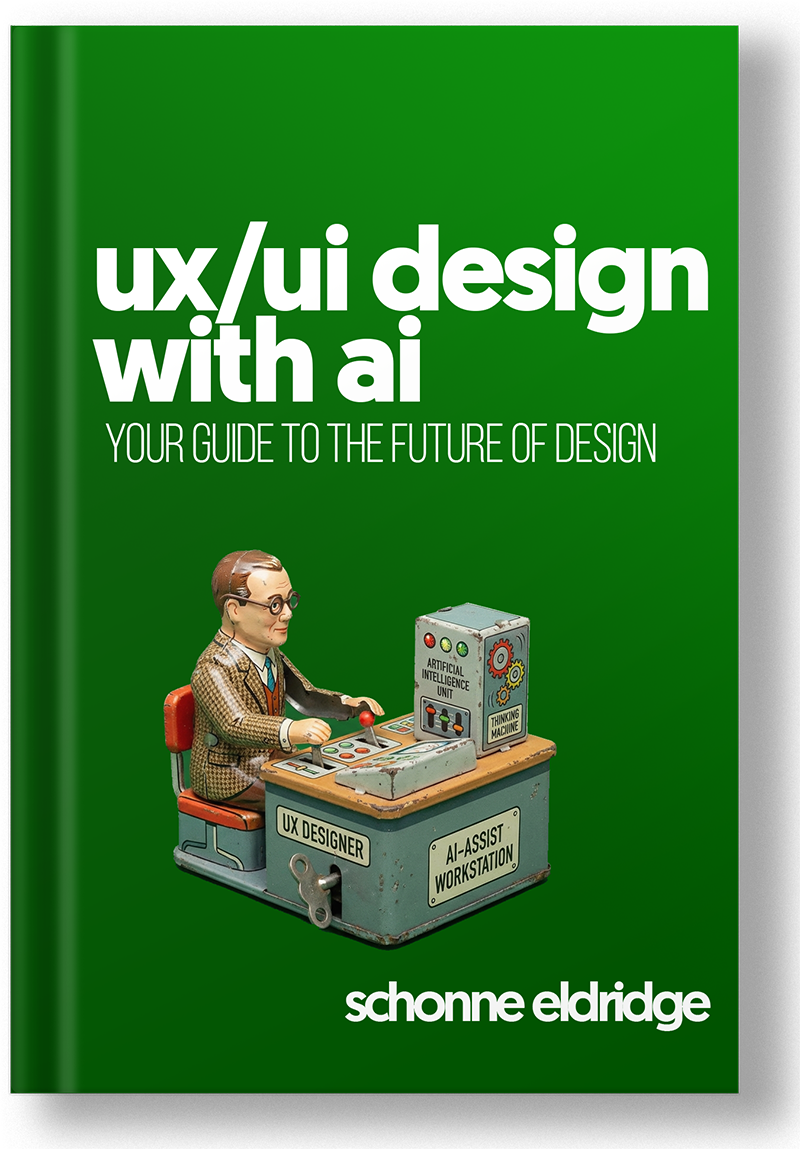
 Pre-order
The best designers in 2027 won't be the most talented.
(They'll be the most AI adapted)What's Inside
The AI-Augmented Mindset
- 70% of your design work is about to become automated — here's exactly which 30% to double down on
- Why "good enough" designers are about to have a very bad year — and what the great ones are doing differently
- The one thing that turns generic AI output into work that actually looks like yours (hint: it's not the tool)
- You're not competing against AI. You're competing against designers who already figured this out
The Figma AI Ecosystem
- Figma Make just replaced your first 2 hours of work — here's what it can't touch (yet)
- The plugin that turns your Figma file into production code — and why most designers are using it wrong
- Figma MCP is the most important feature nobody's talking about — what it does and why it changes everything
- We tested every AI design tool so you don't have to — here's the only ones worth your time
Prompt Design for Visual Thinkers
- Stop calling it "prompt engineering" — you've been doing this your entire career and didn't know it
- The 4 prompt patterns that separate designers getting garbage output from designers getting gold
- How to build a prompt library that makes you 10x faster — and becomes your unfair advantage
- Your prompts are failing for one of two reasons — here's how to diagnose which one in 30 seconds
AI Across the Design Workflow
- How to synthesize 50 user interviews in 20 minutes — without losing a single insight that matters
- The wireframing technique that generates more concepts in an hour than most teams produce in a sprint
- Your design system has inconsistencies you don't know about — here's how AI finds every single one
- The handoff documentation trick that makes developers actually read your specs (finally)
AI Literacy for Designers
- LLMs don't think — they autocomplete. Understanding this one fact prevents 90% of AI mistakes designers make
- Why Midjourney can't draw hands, DALL-E can't count, and what that means for your workflow
- The hallucination problem nobody warns you about — and the 60-second check that catches it every time
- GPT-4o vs. Claude vs. Gemini: we ran the same design tasks on all three — the results weren't even close
Career & Ethical Practice
- Three skills that become more valuable every time AI gets better — most designers are ignoring all of them
- "AI Designer" is the hottest job title of 2026 — here's what it actually means and how to position yourself
- The disclosure mistake that could tank your reputation — and the framework that keeps you safe
- AI isn't replacing designers. But designers who use AI are replacing designers who don't
Table of Contents
Part I: Foundations
Chapter 1: The AI-Augmented Designer Mindset
- Why This Book ExistsNeither doomsayers nor dismissers help working designers. This book takes a third path: AI as a force multiplier for experienced practitioners who already know design.
- The 70/30 SplitMechanical execution (~70%) versus human judgment (~30%). AI handles the first so you can focus on the second — the strategic decisions that actually matter.
- AI Raises the Floor, Craft Raises the CeilingWhen baseline quality gets easier to achieve, the gap between adequate and excellent becomes the differentiator. Craft matters more, not less.
- Context Is EverythingGeneric prompts produce generic output. Your expertise in providing context — user needs, constraints, business goals — is what makes AI useful.
- The Amplification FrameYou're not competing against AI. You're using AI to compete against other designers — some of whom are also using AI, some of whom aren't.
Chapter 2: AI Literacy for Designers
- What Large Language Models Actually DoLLMs are pattern-matching engines that predict probable text sequences. They don't think or know — understanding this prevents both overreliance and underutilization.
- How Image Generation WorksDiffusion models interpolate learned patterns. They're good at hybrids and variations, bad at specifics, counting, and text rendering.
- Context Windows and the Hallucination ProblemEvery LLM has a limit on how much text it can see, and all of them confidently produce false information. Verification is your job, not the model's.
- Model Differences That MatterGPT-4o, Claude, Gemini, and specialized tools each excel at different tasks. Match tool to task rather than picking one model for everything.
- What AI Can and Can't Do: The 2026 Reality CheckHonest assessment: AI handles variations, format translation, and first drafts. It can't understand users, navigate politics, or know what it doesn't know.
Chapter 3: Prompt Design for Visual Thinkers
- Stop Calling It Prompt EngineeringPrompt design is communication, not technical engineering. You already have this skill from writing design briefs, creative direction, and stakeholder presentations.
- The Anatomy of a PromptContext → Task → Constraints → Output format. Specificity in prompts produces specificity in outputs — vague prompts guarantee vague results.
- Prompt Patterns That Work for UI/UXFour patterns: Ideation (divergent), Critique (analytical), Generation (productive), Refinement (iterative). Each requires different prompt structures.
- Building Your Prompt LibraryTemplates with placeholders, organized by task type, save time and improve consistency. Your prompt library becomes a competitive advantage.
- When Prompts FailToo vague produces generic output. Too specific produces rigid output. Diagnosing failure modes improves success rates.
Part II: The Figma AI Ecosystem
Chapter 4: Figma Native AI Features
- Figma's BetConfig 2025 revealed Figma's repositioning from design tool to product development platform. AI is central to that strategy.
- Figma Make: What It Actually DoesGenerates interactive screens from natural language with real components, interactions, and inspectable code. Not mockups — functional starting points.
- When Make Works and When It StrugglesWorks for rapid exploration and structurally conventional tasks. Struggles with complex conditional states, brand-specific visuals, and accessibility details.
- Figma Sites, Buzz, and DrawDesign to deployment (Sites), brand asset generation at scale (Buzz), and enhanced vector tools (Draw). The extended AI toolkit.
Chapter 5: Figma AI Plugins
- The Plugin EcosystemThird-party plugins extend Figma's AI capabilities beyond native features. The ecosystem is consolidating as native features absorb plugin functionality.
- Flaude, Builder.io, and the Key PlayersIn-canvas AI for copy and critique (Flaude), design-to-code translation (Builder.io Visual Copilot), and plugin evaluation criteria.
Chapter 6: Figma MCP & Design-to-Code Workflows
- What Is MCP and Why It MattersModel Context Protocol bridges design tools and AI coding assistants with full structural context — not screenshots, but actual design data.
- Setting Up Figma MCPPrerequisites, installation, and configuration for connecting Figma to AI code generation tools like Cursor and Windsurf.
- Design File Hygiene for MCPAuto Layout discipline, component naming conventions, and documentation that makes MCP output dramatically better. Garbage in, garbage out.
- Managing the Design-to-Code GapThe 20-30% refinement still needed after AI code generation. MCP accelerates but doesn't eliminate the review loop.
Chapter 7: Beyond Figma — Alternatives & Specialists
- Google Stitch, Uizard, and VisilyPrompt-to-UI tools for rapid prototyping and non-designers. Good for exploration, not production design.
- Paper.design and Code-Native DesignBidirectional canvas-to-code sync with 24 MCP tools. The "code-first design" paradigm versus Figma's "design-first" approach.
- Tool Selection FrameworkDecision criteria for when to use specialized tools versus staying in Figma. Most designers should stay in Figma and use plugins/MCP.
Part III: Workflow Integration
Chapter 8: AI in User Research
- AI-Assisted Interview AnalysisTranscript processing, theme extraction, and quote identification. AI handles volume; you handle interpretation.
- Survey Response SynthesisPattern identification across hundreds or thousands of open-ended responses. Sentiment clustering and theme emergence.
- Synthetic User Testing and Research IntegrityAI-generated user feedback as a supplement (not replacement) for real research, and what you must disclose about AI involvement.
Chapter 9: AI in Ideation & Wireframing
- Concept GenerationUsing AI to break out of familiar patterns and explore unexpected directions. Divergent prompting strategies.
- Rapid Wireframe IterationLayout exploration at volume. Testing structural hypotheses before committing to visual design.
- Information Architecture and Competitive AnalysisNavigation structure, content hierarchy, flow logic, and rapid competitor pattern extraction.
Chapter 10: AI in Visual Design & Design Systems
- Style Generation and Asset CreationColor exploration, typography suggestions, illustration generation. The quality ceiling and the review requirements.
- Design System Documentation and Consistency AuditingUsing AI to write component specifications, find inconsistencies, and maintain governance in AI-assisted workflows.
Chapter 11: AI in Usability Testing & Handoff
- Session Analysis and Report GenerationVideo and transcript processing for pattern identification, plus first-draft research reports and stakeholder summaries.
- Code Generation Quality AssessmentEvaluating AI-generated code before developer handoff. What to check and what to flag.
- Documentation AutomationSpec generation, acceptance criteria drafting, and handoff documentation. Reducing the overhead of thorough handoffs.
Part IV: Career & Future
Chapter 12: Skills That Matter in the AI Era
- Technical Skills That CompoundDesign system thinking, accessibility expertise, and code literacy become more valuable when AI handles routine execution.
- Soft Skills That Can't Be AutomatedStakeholder negotiation, user empathy, ethical judgment, and cross-functional collaboration. The human work that remains human.
- Learning Velocity Over Static KnowledgeThe ability to continuously adapt matters more than any specific tool proficiency. Build systems for ongoing learning.
Chapter 13: Career Positioning & Future Roles
- Emerging RolesAI Designer, Prompt Designer, AI/UX Specialist, Design Technologist evolution. What these titles actually mean in practice.
- Traditional Roles That EvolveHow IC, lead, and management paths change with AI integration. New expectations and new leverage points.
- Freelance, Consulting, and Job SearchPricing, positioning, service offerings, and how to talk about AI skills in interviews without overselling or underselling.
Chapter 14: Ethical AI & Responsible Design
- Transparency and DisclosureWhen and how to disclose AI involvement to users and stakeholders. The ethical and legal landscape.
- Bias, Fairness, and PrivacyAuditing AI outputs for harmful patterns, and protecting client confidentiality and user data.
- Accountability FrameworksWho's responsible when AI outputs cause harm. Professional responsibility in an AI-augmented practice.
Conclusion: The Amplified Designer
- The Transformation, Not the ReplacementAI shifts what you spend time on, not whether you're needed. The most effective designers will be those who adapt their practice.
- What EnduresCraft, judgment, empathy — the skills AI amplifies but doesn't replace. Your value proposition in the AI era.
Stay informed.
Be the first to know when UX/UI Design with AI launches. Get release updates, early access, and a preview chapter before anyone else.
The designers who learn this now will be untouchable in three years.
AI isn't coming for your job. But designers who know how to wield it are coming for your clients, your promotions, and your best projects. This book is the head start.
All packages are digital downloads (PDF + ZIP). No physical products are shipped.
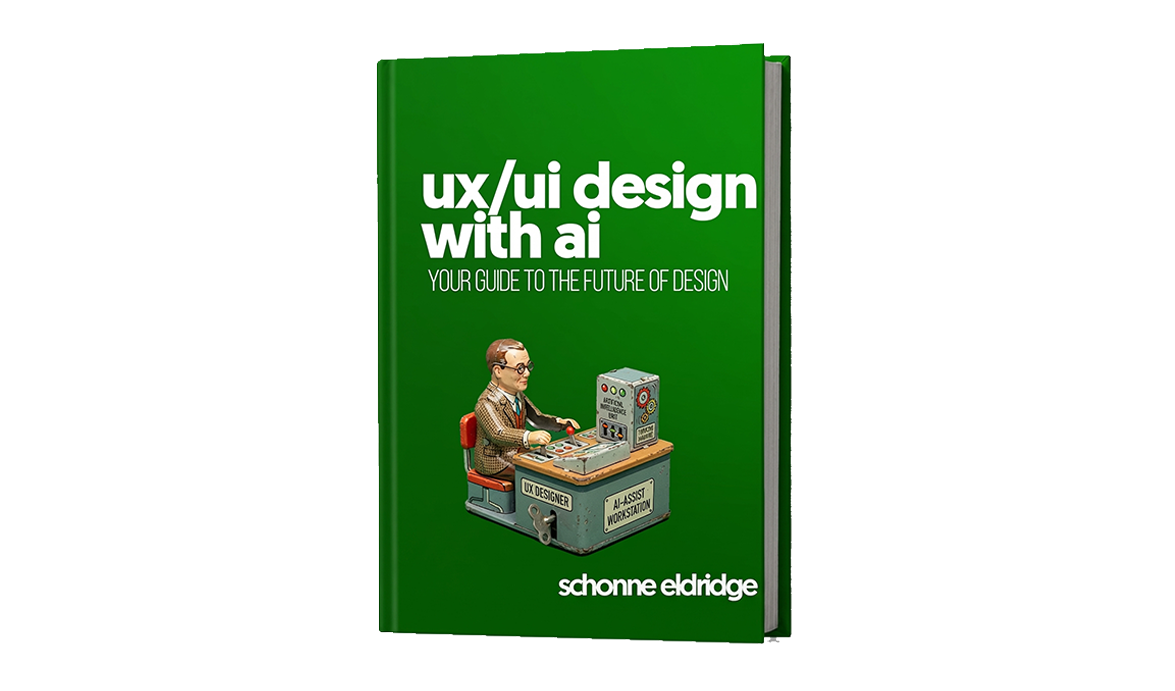
book
$49
- Full PDF book (14 chapters)
- Instant download on release
 most popular
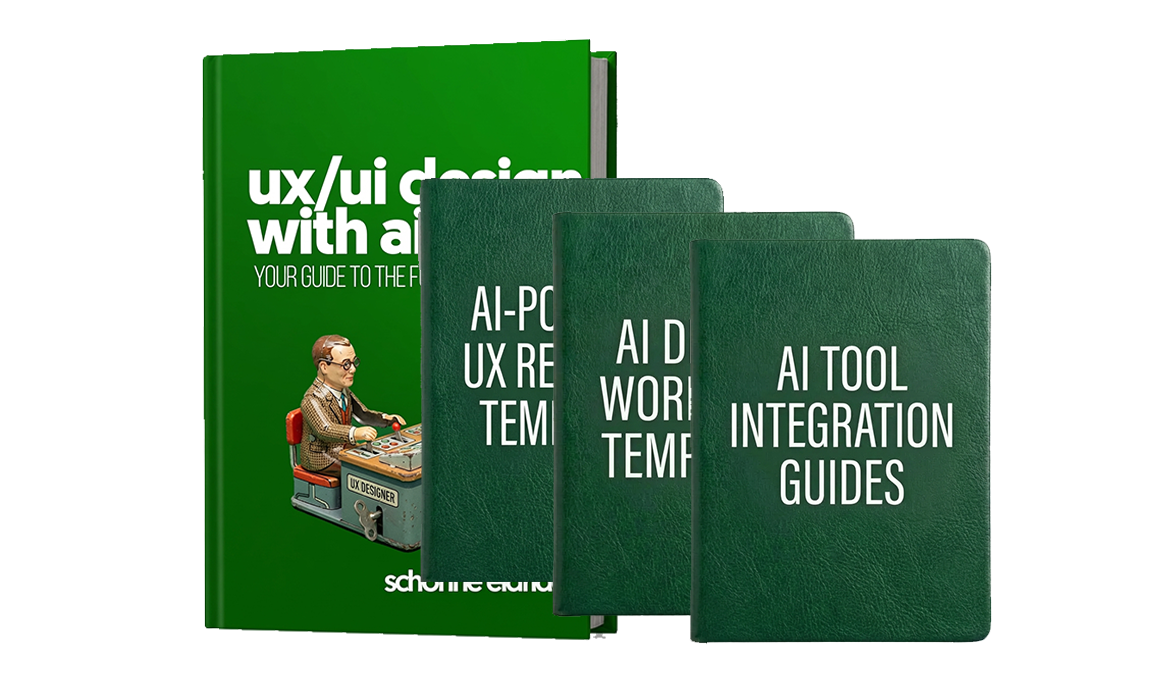
complete
$99
- Full PDF book (14 chapters)
- Lifetime free updates
- AI-powered UX research templates7
- AI Interview Analysis Template
- Automated Persona Generator Guide
- AI Survey Design & Analysis Template
- Competitive Analysis with AI Template
- AI-Assisted Usability Test Script
- Sentiment Analysis Report Template
- AI Research Synthesis Framework
- AI design workflow templates8
- Text-to-UI Prompt Library
- AI Wireframing Workflow Guide
- Design System Token Generator Template
- AI Color & Typography Pairing Guide
- Responsive Layout Generator Prompts
- AI Content Strategy Template
- Microcopy Generation Prompt Kit
- AI Accessibility Audit Workflow
- AI tool integration guides8
- Figma + AI Plugin Integration Guide
- ChatGPT for UX Writing Playbook
- Claude for Design Documentation Guide
- Midjourney for UI Concepts Guide
- AI-Powered Design QA Checklist
- Multi-AI Tool Workflow Setup Guide
- AI Design Review Protocol
- Prompt Version Control Template
masterclass
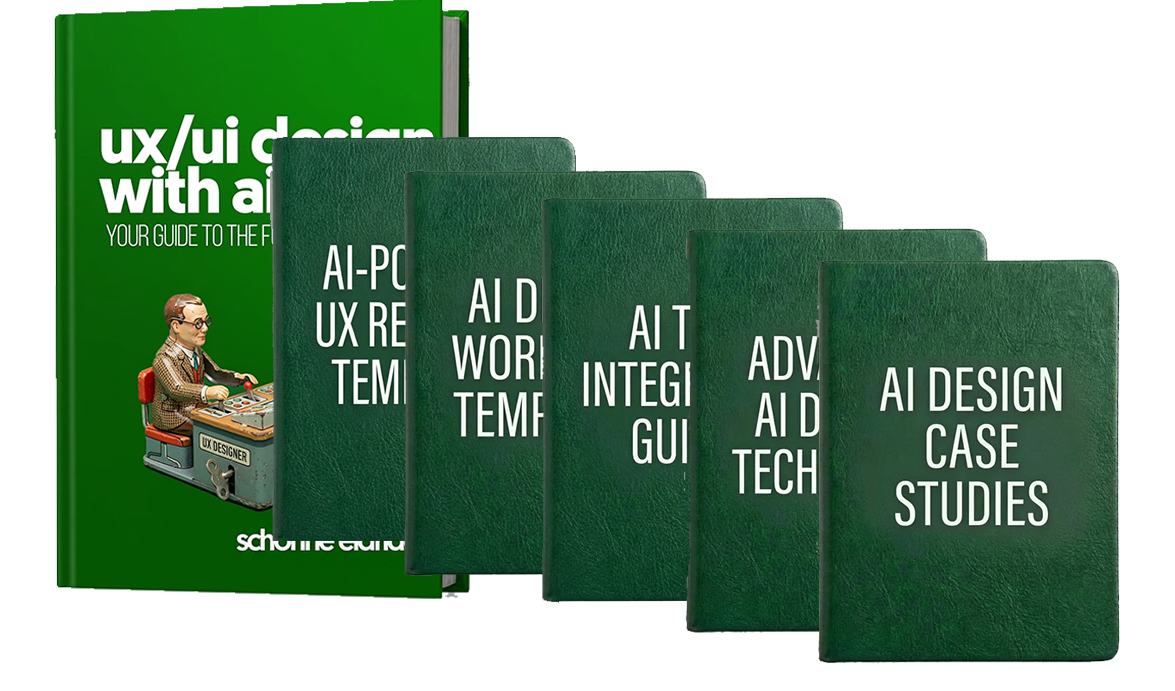
$149
- Full PDF book (14 chapters)
- Lifetime free updates
- AI-powered UX research templates7
- AI Interview Analysis Template
- Automated Persona Generator Guide
- AI Survey Design & Analysis Template
- Competitive Analysis with AI Template
- AI-Assisted Usability Test Script
- Sentiment Analysis Report Template
- AI Research Synthesis Framework
- AI design workflow templates8
- Text-to-UI Prompt Library
- AI Wireframing Workflow Guide
- Design System Token Generator Template
- AI Color & Typography Pairing Guide
- Responsive Layout Generator Prompts
- AI Content Strategy Template
- Microcopy Generation Prompt Kit
- AI Accessibility Audit Workflow
- AI tool integration guides8
- Figma + AI Plugin Integration Guide
- ChatGPT for UX Writing Playbook
- Claude for Design Documentation Guide
- Midjourney for UI Concepts Guide
- AI-Powered Design QA Checklist
- Multi-AI Tool Workflow Setup Guide
- AI Design Review Protocol
- Prompt Version Control Template
- Advanced AI-design techniques8
- Building Custom AI Design Assistants
- AI-Driven A/B Test Design
- Generative UI Pattern Exploration
- AI for Design System Governance
- Automated Design Critique Frameworks
- AI-Powered Accessibility Remediation
- Cross-Platform Design with AI
- Ethical AI Design Decision Framework
- Real-world AI design case studies8
- E-Commerce Redesign with AI Workflows
- SaaS Dashboard AI-Assisted Design
- Mobile App UX with AI Research
- Design System Built with AI Tools
- AI-First Product Design Process
- Enterprise UX Transformation with AI
- Startup MVP Design Using AI
- Agency AI Design Pipeline Case Study